

Season Photos
Online portal to view and purchase photos as well as digital versions!
This season we will be offering team and individual photos and allow you to proof and purchase them on-line. This is the first season using this technology so there may be some technical difficulties and delays so please be patient with us.
From the secure portal you can purchase digital versions, prints, key rings, fridge magnets and mugs!
Once you place the order it will need to be approved by a member of the Morden Little League team to ensure there is no issues with cropping etc, once released the order will go directly to the printers and the items will be delivered direct to your delivery address.
You can pay using our secure Stripe account via any of the following options!

For digital downloads they will be available immediately, these are provided as high-resolution images.
How does it work?
The schedule has been extremely difficult to put together with 80 teams and it will not be possible to change your slot. Any request for changes will be rejected.
At your scheduled time, please attend and have your team and individual photos taken, please do arrive promptly for your schedule time slot.
After your photo shoot, you will be sent an email providing you with the link and password to access your child and teams photos. This is typically within 24-48 hours.
Got a question, or need some help? - Speak to a member of the team during the photo’s being taken or email photos@mordenlittleleague.com
How do I purchase my child’s photos?
Once you receive the email and password to your gallery - visit https://photos.mordenlittleleague.co.uk you will then be taken to the Morden Little League online photo portal.

Navigate to the division your child is in, and select their team.
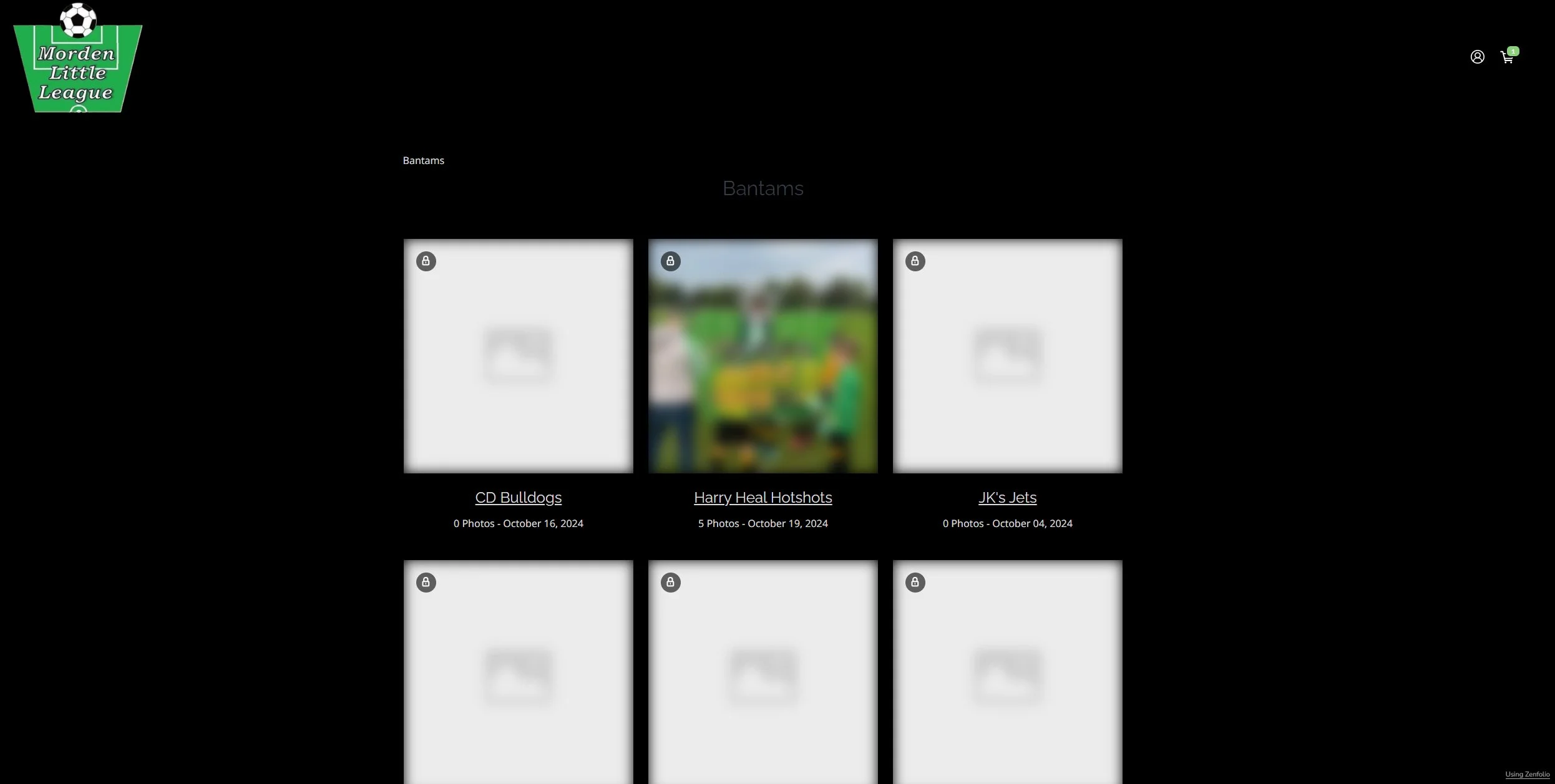

You will need to enter your Email Address
Followed by the password provided on the Access Card given to you at the time the photos were taken.
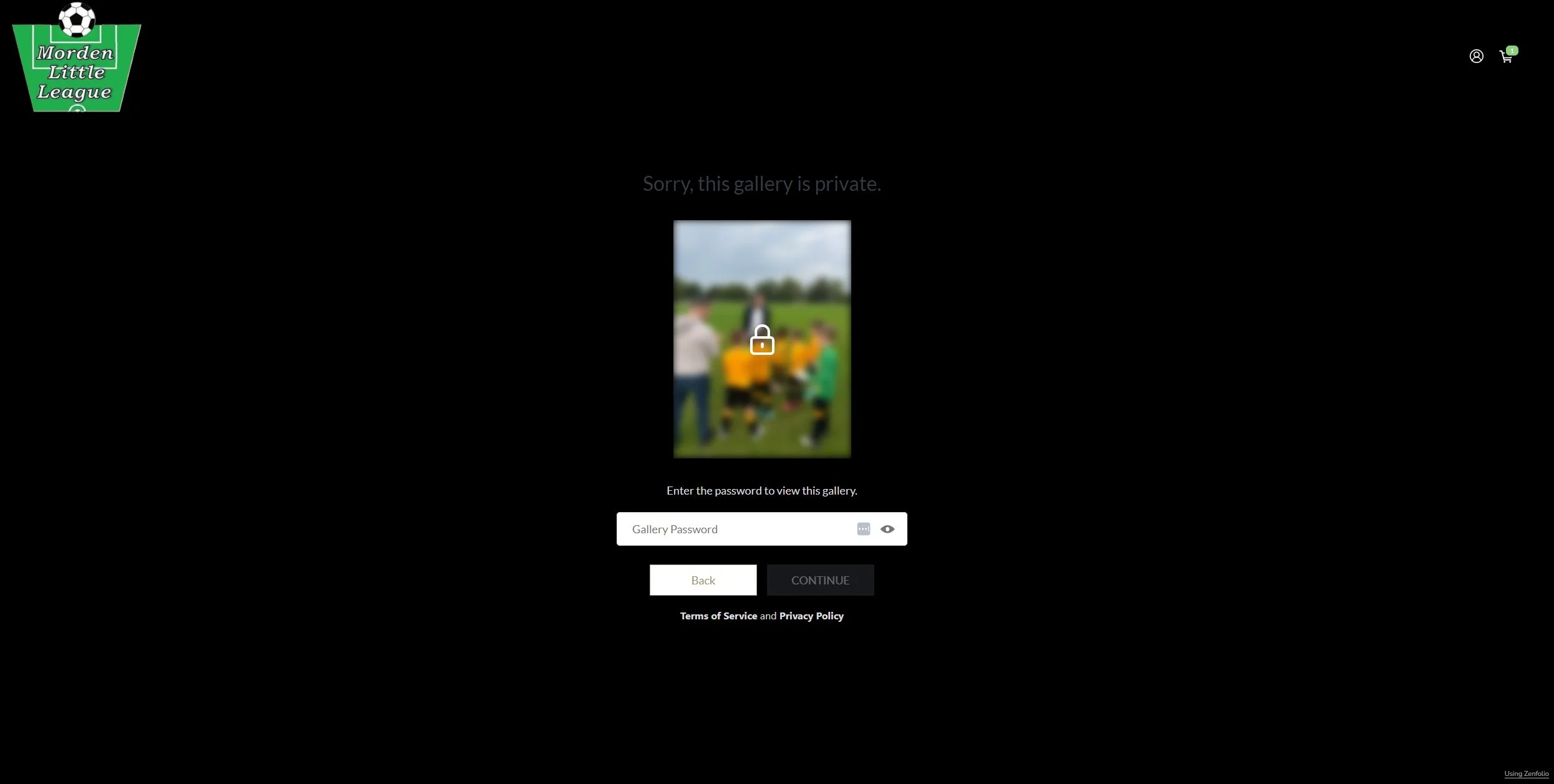
The Gallery for the team will then be displayed

From here you can view the images and if you want to purchase can Click on the SHOP icon in the top right hand corner of the page.

You will then see a list of available product categories
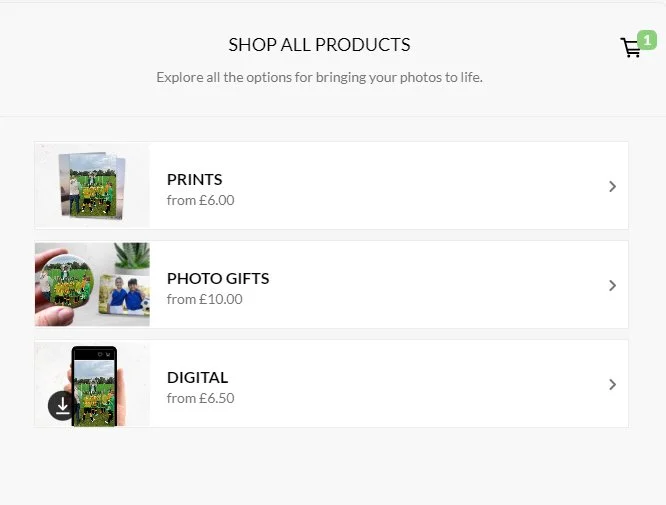
You can then go through the options and make your choice of purchases.